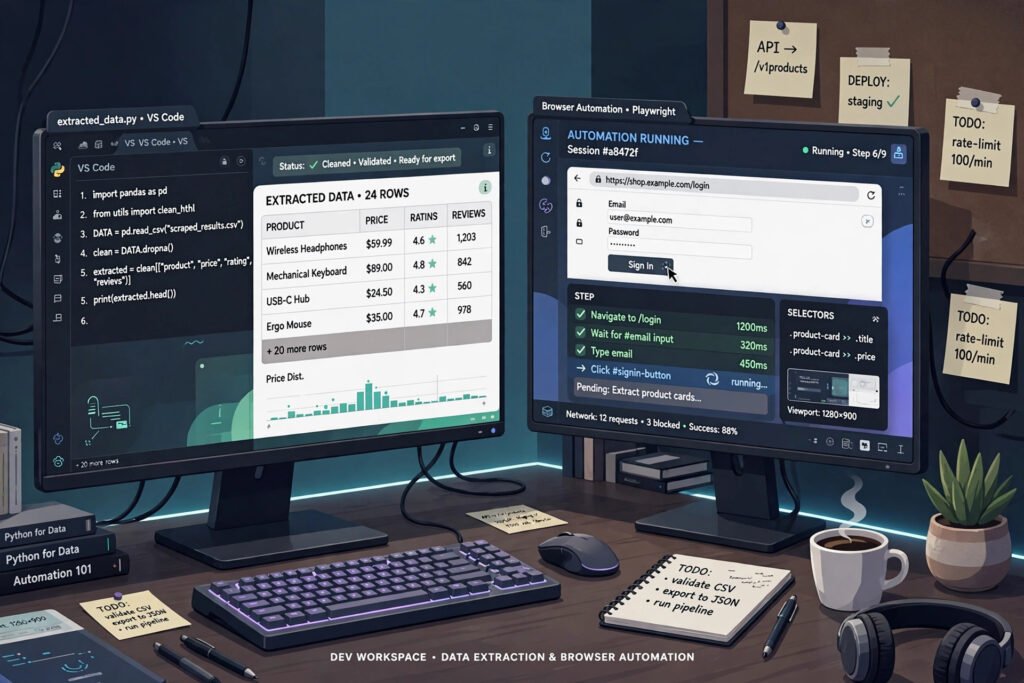
Crawl4AI and Playwright are both powerful Python tools for web scraping, but they solve different problems. Crawl4AI is a crawler built for turning websites into clean, structured data. Playwright is a browser automation framework built for controlling a real browser.
Choosing the wrong one wastes hours. Use Crawl4AI when you need content at scale, and Playwright when you need to interact with a page like a human. Many serious projects end up using both together.
Short Answer: Which Tool for Which Job
Pick Crawl4AI if your goal is extracting articles, product data, documentation, or site-wide content for analysis or AI pipelines. It fetches pages, follows links, and returns LLM-ready markdown with far less code than a manual browser script.
Pick Playwright if the page fights back: logins, multi-step forms, infinite scroll, captchas, or JavaScript-heavy apps. Playwright drives a real browser, so it sees exactly what a user sees and can click, type, and wait through complex flows.
- Content extraction at scale: Crawl4AI
- Interactive or authenticated scraping: Playwright
- Feeding data to an LLM: Crawl4AI
- Testing or automating a web app: Playwright
What Each Tool Actually Does
Crawl4AI: A Crawler Built for Data
Crawl4AI is an open-source Python library designed around one job: crawling websites and returning usable data. Its core class is AsyncWebCrawler, which you run with a BrowserConfig for browser settings and a CrawlerRunConfig for per-crawl options.
Out of the box, it converts pages to clean markdown, strips navigation and ads, and supports extraction strategies that pull structured fields from pages. It also handles crawling depth, so one command can walk an entire site section.
Playwright: A Real Browser You Control
Playwright is a browser automation library from Microsoft. It launches Chromium, Firefox, or WebKit and lets your code drive them: page.goto() loads a URL, locators find elements, and auto-waiting pauses until content appears.
It was built for testing web apps, not scraping. That is why it excels at interaction and struggles, by comparison, with large-scale content extraction, which you must build yourself on top of raw HTML.
Crawl4AI vs Playwright: Side-by-Side Comparison
| Feature | Crawl4AI | Playwright |
|---|---|---|
| Primary purpose | Web crawling and data extraction | Browser automation and testing |
| Output format | Clean markdown, structured JSON via extraction strategies | Raw HTML you parse yourself |
| Page interaction | Basic: clicks, scrolling, hooks | Full: clicks, typing, forms, uploads, network control |
| Crawling depth | Built-in link following and BFS/DFS strategies | Manual: you write the crawl loop |
| Learning curve | Low for scraping tasks | Moderate: browser concepts, async patterns, selectors |
| Best use case | Content extraction, RAG pipelines, site audits | Login flows, dynamic apps, anti-bot workarounds |
When Crawl4AI Wins
LLM-Ready Markdown Output
Crawl4AI returns pages as clean markdown by default. Headings, lists, tables, and links survive, while menus, footers, and ad blocks are removed. That output drops straight into a retrieval-augmented generation pipeline with almost no cleanup.
With Playwright, you get raw HTML. You must strip boilerplate, convert to markdown, and handle edge cases yourself. For AI workloads, that extra pipeline is real work, and it is work Crawl4AI already did.
Extraction Strategies
Crawl4AI ships extraction strategies such as JsonCssExtractionStrategy and LLM-based extraction. You describe the fields you want — title, price, author, date — and get structured JSON back, page after page, without hand-writing a parser for each site.
This matters most when you scrape many pages with the same layout. One schema replaces dozens of brittle selectors. If you want a deeper look at structured extraction, see our guide on Crawl4AI for AI agents and web data extraction.
Crawling Depth and Breadth
Crawl4AI understands crawling as a first-class feature. You set a starting URL, a depth limit, and a strategy, and it follows internal links, deduplicates pages, and returns results in order. Scraping a 500-page documentation site becomes a short script.
Playwright has no crawler. You build queues, visited sets, and politeness delays yourself. That is fine for ten pages and painful for ten thousand, which is exactly where Crawl4AI pulls ahead.
Faster Setup for Scraping Tasks
A basic Crawl4AI script is only a few lines: create the crawler, run it against a URL, read the markdown. Configuration lives in BrowserConfig and CrawlerRunConfig, so behavior is easy to tune without rewriting logic.
Playwright setup is not hard, but a scraping script quickly grows: browser launch options, context setup, waiting logic, content extraction, and error handling all land in your code. For pure extraction, Crawl4AI simply starts faster.
When Playwright Wins
Complex Interaction
Some pages only reveal data after interaction: expanding accordions, applying filters, sorting tables, or paging through results. Playwright handles all of this naturally because it is a real browser driven by your code.
Crawl4AI supports JavaScript execution and basic interaction hooks, but deep, stateful interaction is not its strength. When the data depends on a sequence of actions, Playwright is the safer choice.
Login Flows and Authenticated Sessions
Playwright excels at logging in: filling forms, handling two-factor prompts, storing cookies, and reusing saved browser sessions across runs. Its context and storage-state features make authenticated scraping repeatable.
Crawl4AI can send headers and cookies, and it supports authenticated crawling, but multi-step login flows with redirects and challenges are far easier to script and debug in Playwright. For a related comparison of scraping approaches, see Crawl4AI vs BeautifulSoup and Scrapy.
Anti-Bot Handling
Playwright runs a genuine browser with real rendering, mouse movement, and network behavior. Combined with stealth plugins, residential proxies, and human-like timing, it gets past protections that block simple HTTP requests.
Crawl4AI also uses a real browser under the hood, so it beats plain HTTP scrapers. But when a site fingerprints browsers or demands interaction to prove humanity, Playwright gives finer control over every detail. Proxy strategy matters for both tools, as covered in our Crawl4AI proxy setup guide.
Setup Effort and Speed
Setup Effort Compared
Crawl4AI installs with pip and needs little configuration for standard scraping. Most users write a working crawler in minutes. Its documentation is organized around scraping tasks, so examples match what you actually want to do.
Playwright requires installing the library plus browser binaries, and its API surface is larger. That breadth pays off for automation, but for a simple extraction job it is more to learn before your first result.
Speed and Resource Use
For bulk extraction, Crawl4AI is generally faster per page because it is optimized for crawling: concurrent requests, session reuse, and content filtering are built in. Playwright can match it, but only after you add concurrency and optimization yourself.
For single interactive pages, the difference is negligible. Both launch a browser, and Playwright’s auto-waiting can even be quicker than guessing delays. Judge speed by your workload, not by a single-page benchmark.
How to Choose: Decision Guide
Ask what the target site demands before you write code. If the answer is mostly reading pages, Crawl4AI wins. If the answer is mostly doing things on pages, Playwright wins.
- You need content from many pages: Crawl4AI
- You need data behind a login or multi-step flow: Playwright
- You feed an LLM or search index: Crawl4AI
- You automate a web app or test flows: Playwright
- The site blocks bots aggressively: Playwright, with proxies and stealth settings
- You need structured JSON from a stable layout: Crawl4AI extraction strategies
Using Both Tools Together
The honest answer is that many production scrapers combine both. Use Playwright to log in, navigate tricky flows, and capture authenticated HTML or cookies. Then hand URLs or page content to Crawl4AI for clean extraction and crawling at scale.
This split plays to each tool’s strength. Playwright does the human work, Crawl4AI does the bulk work. If you are comparing managed alternatives too, our Crawl4AI vs Firecrawl comparison shows how a hosted service fits into the same decision.
Frequently Asked Questions
Can Crawl4AI handle JavaScript-heavy sites?
Yes, Crawl4AI runs pages in a real browser, so JavaScript-rendered content loads normally. It also supports waiting conditions and JavaScript execution for dynamic pages, though deeply interactive flows still favor Playwright.
Is Playwright better than Crawl4AI for scraping?
It depends on the job. Playwright is better for interaction, logins, and anti-bot work. Crawl4AI is better for bulk content extraction, markdown output, and structured data. Neither is universally better.
Can I use Crawl4AI and Playwright in the same project?
Yes, and this is a common production pattern. Use Playwright for authenticated or interactive steps, then pass the resulting URLs or HTML to Crawl4AI for extraction. Both are Python-friendly, so they share data easily.
Which tool is easier for beginners?
For scraping, Crawl4AI is easier: fewer concepts, shorter scripts, and output that is ready to use. Playwright is easier only if your background is browser automation or testing, where its API feels familiar.
Does Crawl4AI replace Playwright?
No. Crawl4AI replaces the extraction and crawling layer, not browser automation. If your task is driving a web app, Playwright remains the right tool, and Crawl4AI does not try to compete there.
Conclusion
Crawl4AI vs Playwright is not a contest with one winner. Crawl4AI wins for content extraction at scale, LLM-ready markdown, and structured data. Playwright wins for interaction, logins, and sites that fight automation.
Start with the job, not the tool. If you are building a data pipeline, start with Crawl4AI. If you are automating a browser, start with Playwright. And when a project needs both skills, use both — that combination is often the strongest scraper you can build.